Look the part.
Every invoice.
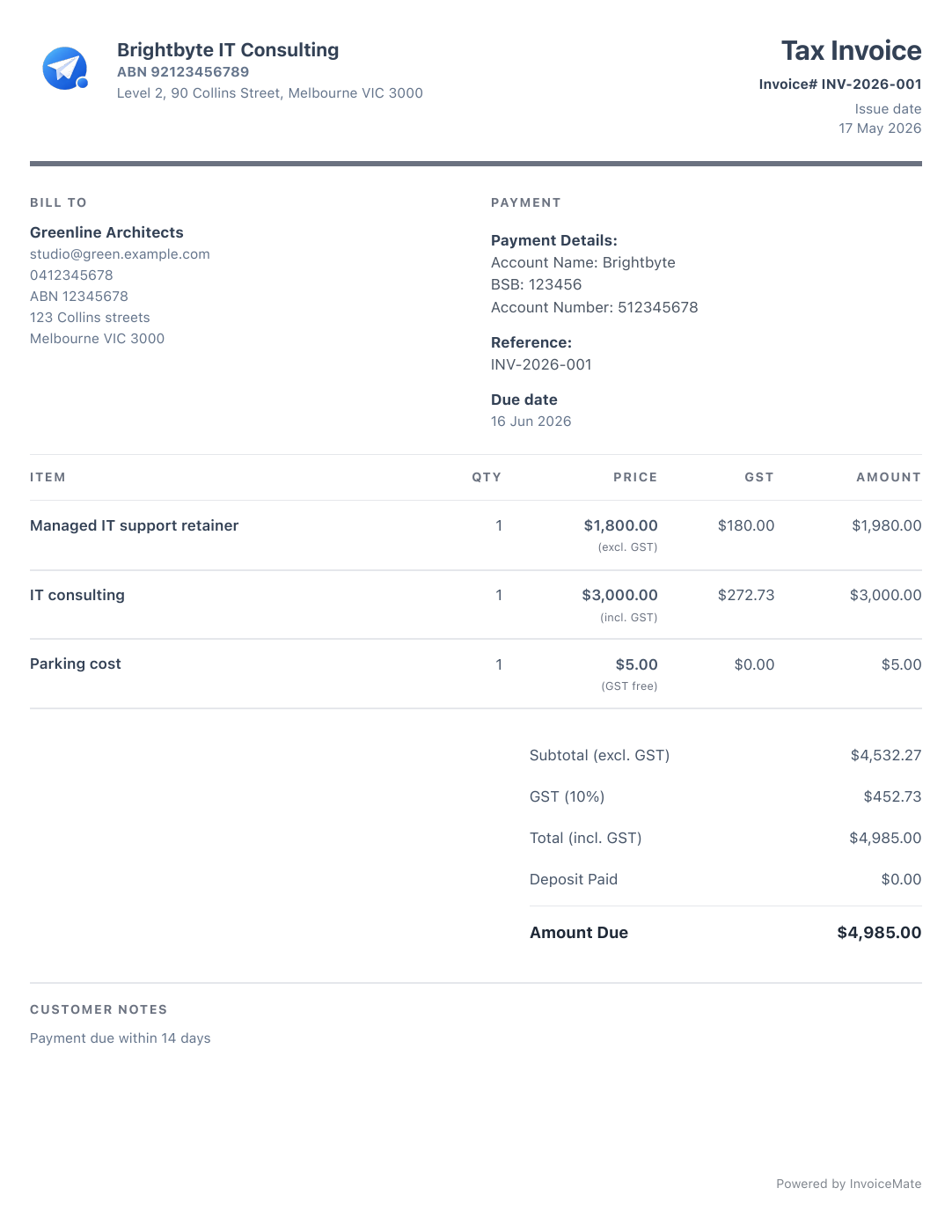
Your business details, GST and payment information in a clean PDF template.
Send invoices, scan receipts and keep your records together. Simple admin for a business you run yourself.
Unlimited invoices, free. No credit card. Works offline.
PRO Invoice from your desktop too — web appWeb app included with Pro →

Your business details, GST and payment information in a clean PDF template.
Share your invoice by email, WhatsApp or WeChat, straight from your phone.
 WhatsApp
 WeChat
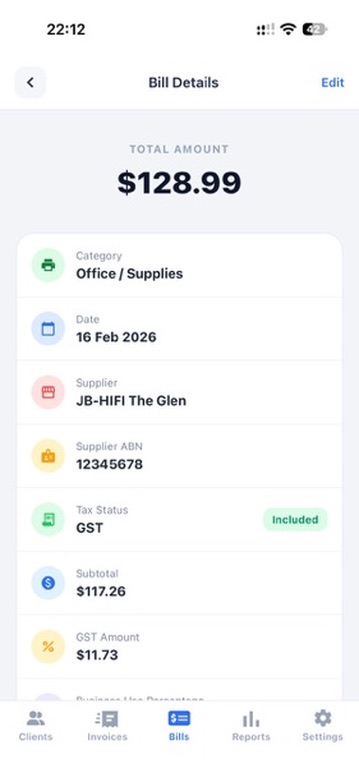
Snap a photo, then review the supplier, date, amount and GST.
Export your reports as CSV files and email them to your accountant.
Send an invoice from your phone using saved client and business details.
Scan the receipt and review the details while they are still fresh.
Export reports for your accountant with Pro or Tax Pack.
Add reports, sync, multiple businesses or the web app with a paid plan.
Eligible new customers get 1 month free before the store charges the regular price.
Subscribe in the InvoiceMate app on iPhone or Android.
| Free | Tax Pack | Pro | |
|---|---|---|---|
| Web app New Invoice from any browser · Log in | Not included | Not included | Included |
| Sync across devices | Not included | Not included | Included |
| Multiple businesses | Not included | Not included | Included |
| Export tax & GST reports | Not included | Included | Included |
| Xero export | Not included | Included | Included |
| Receipt scanning | 10/mo | 10/mo | Unlimited |
| Unlimited invoices & quotes | Included | Included | Included |
| Client management | Included | Included | Included |
| Expense tracking | Included | Included | Included |
| Invoice logo & templates | Included | Included | Included |
Export your clients, invoices and expenses anytime. Free on every plan, even after you cancel.
Yes. InvoiceMate is designed for Australian sole traders and small businesses that need invoices, expenses, receipts and reports without a complex accounting setup.
Yes. You can save your ABN, GST settings, address, logo and payment details in your business profile.
Yes. You can preview invoices, create PDFs and send them to customers from your phone.
No. InvoiceMate helps keep records organised and export useful summaries, but it is not tax or accounting advice.

Compare invoicing tools for Australian sole traders.

A practical checklist for organising income, expenses and GST records.

The details to include, from your ABN to GST and payment terms.
Have a question about InvoiceMate, downloads, or support? Send a message and we will get back to you.